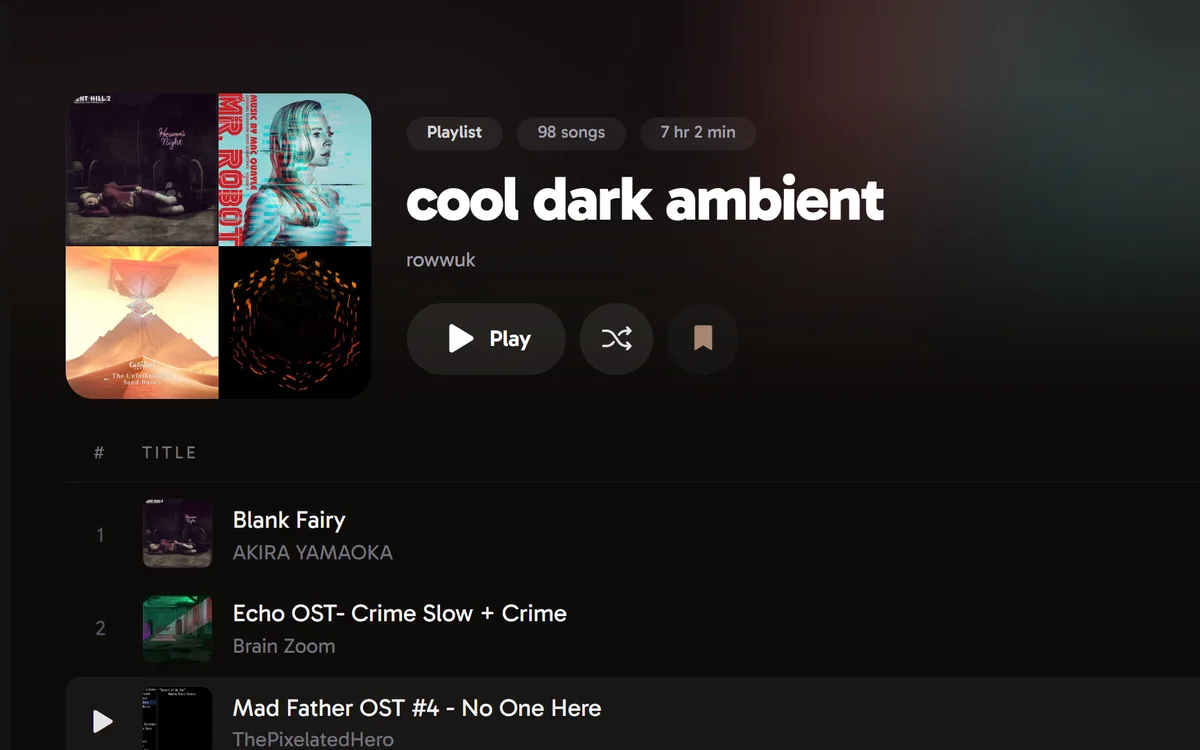
Your library
Organise playlists in folders, pin your favourites, and create or edit playlists with custom covers.

Cherry is an unofficial client and is not affiliated with, endorsed by, or associated with YouTube, Google or YouTube Music. All trademarks and content belong to their respective owners. To use Cherry, you need your own YouTube account. You are responsible for how you use it and for any consequences, including any effect on your account. The software is provided as is, without warranty of any kind.
Cherry is a YouTube Music desktop client, it features a completely custom frontend that speaks directly to YouTube Music's internal Innertube API, Cherry uses the same endpoints that the official YouTube Music Web app does.
Cherry 2.0 uses Electron + Chromium, Svelte 5, TypeScript and Tailwind v4, bringing the same renderer to Windows, macOS and Linux.
Organise playlists in folders, pin your favourites, and create or edit playlists with custom covers.
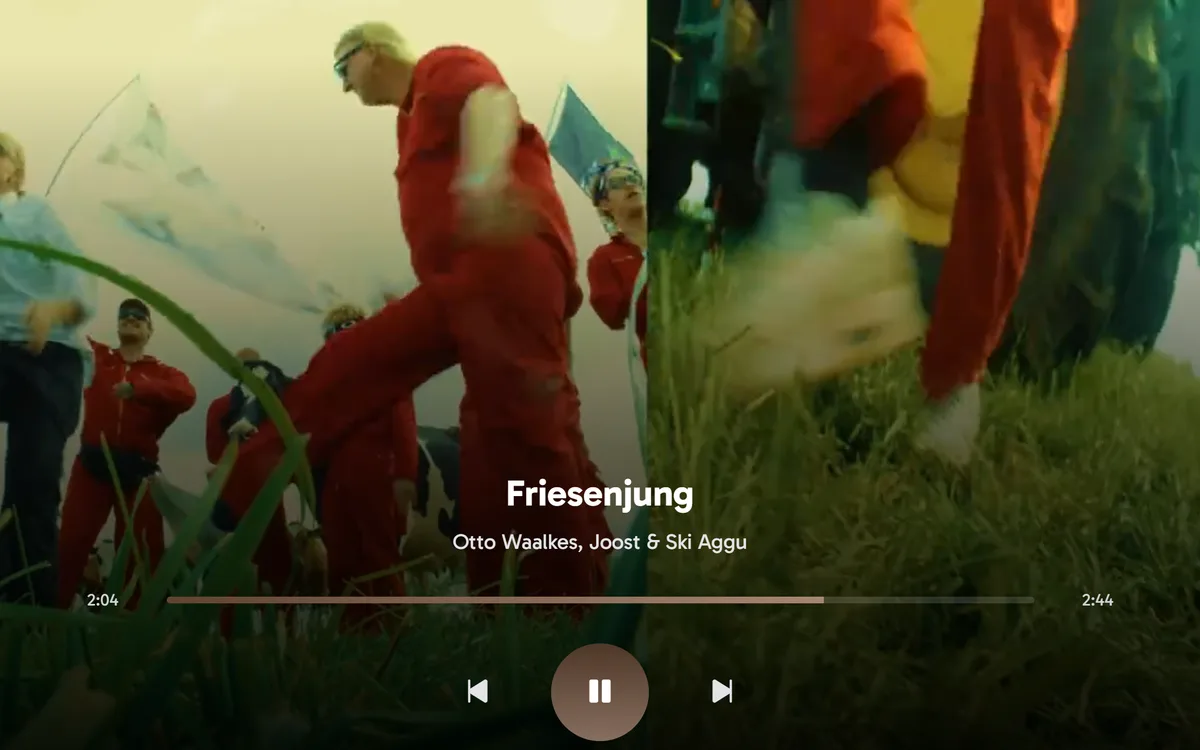
Go fullscreen with artwork, lyrics or music videos up to 1080p. Start a mix from any song.
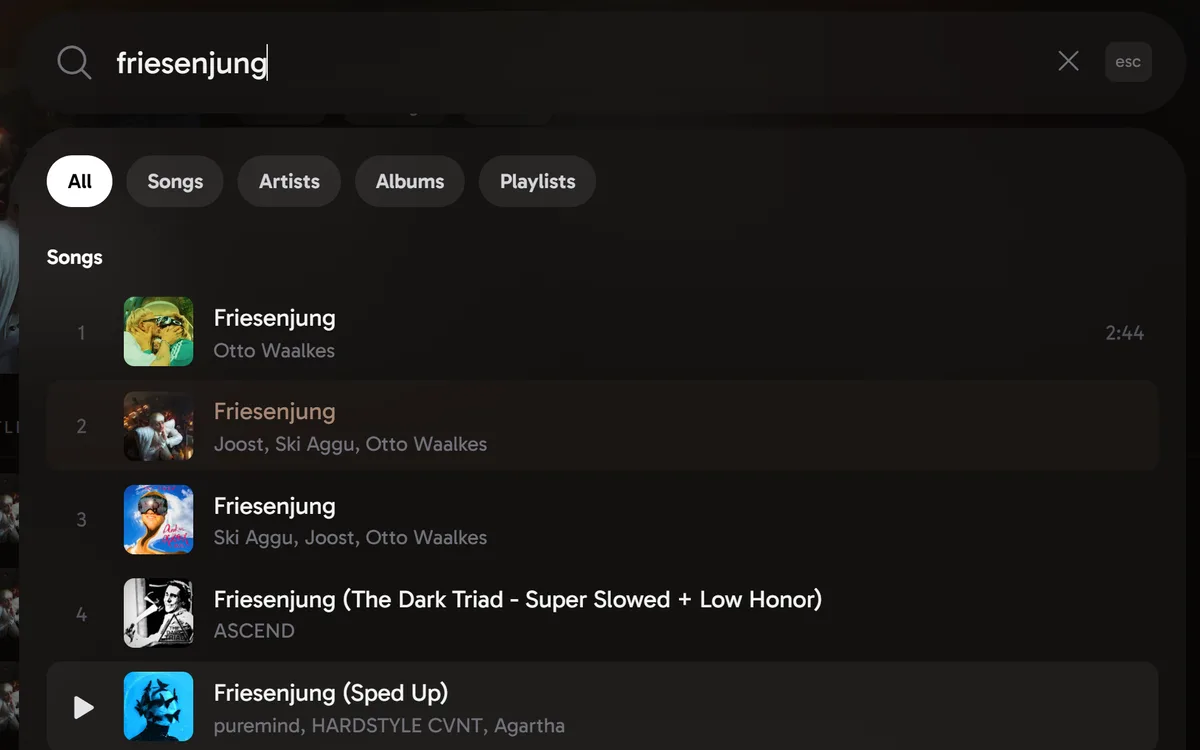
Search the catalogue or paste a YouTube link. Drag tracks to reorder your queue and remove what you don’t want.
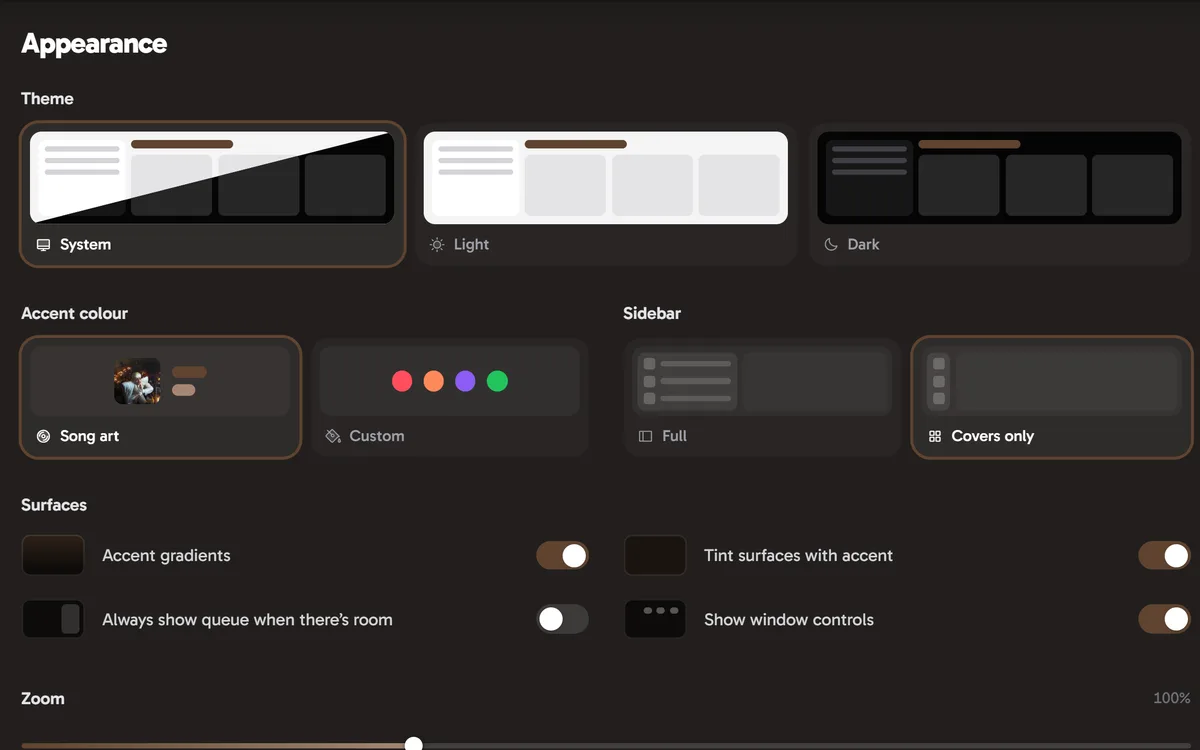
Follow your system theme or choose your own, with artwork colours, custom accents and tinted surfaces.
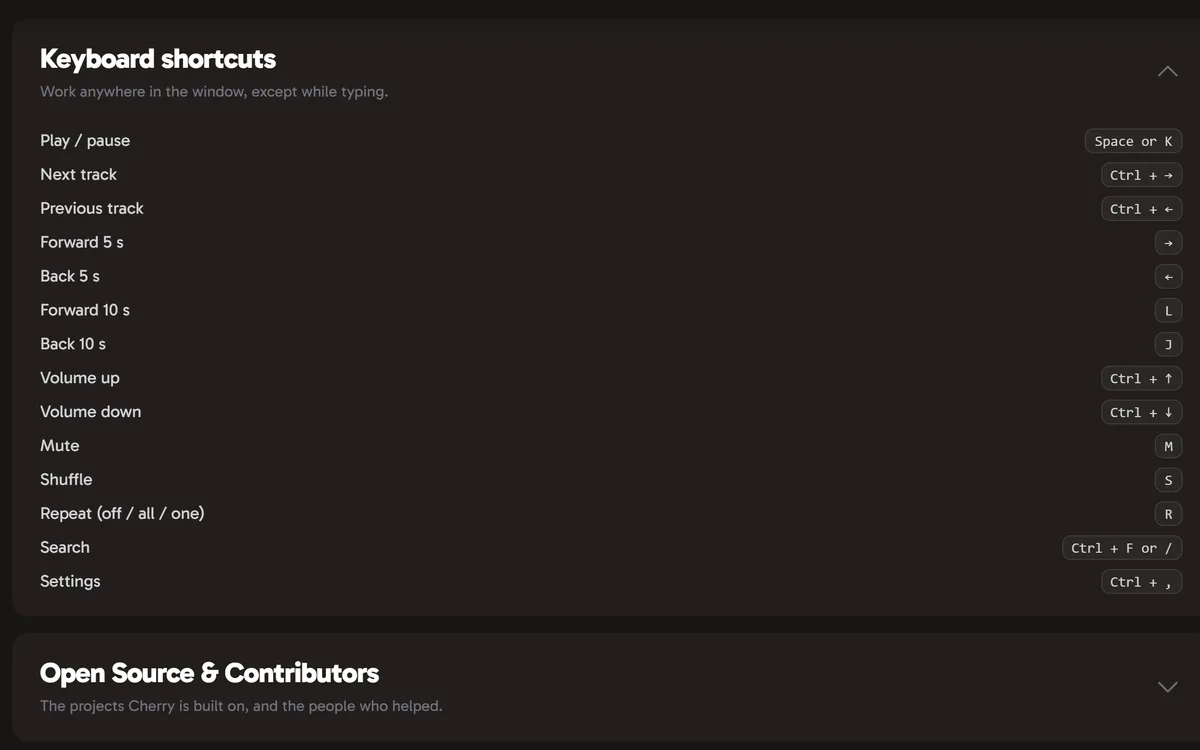
Use media keys, keyboard shortcuts and tray controls. Set a sleep timer for when you want playback to stop.
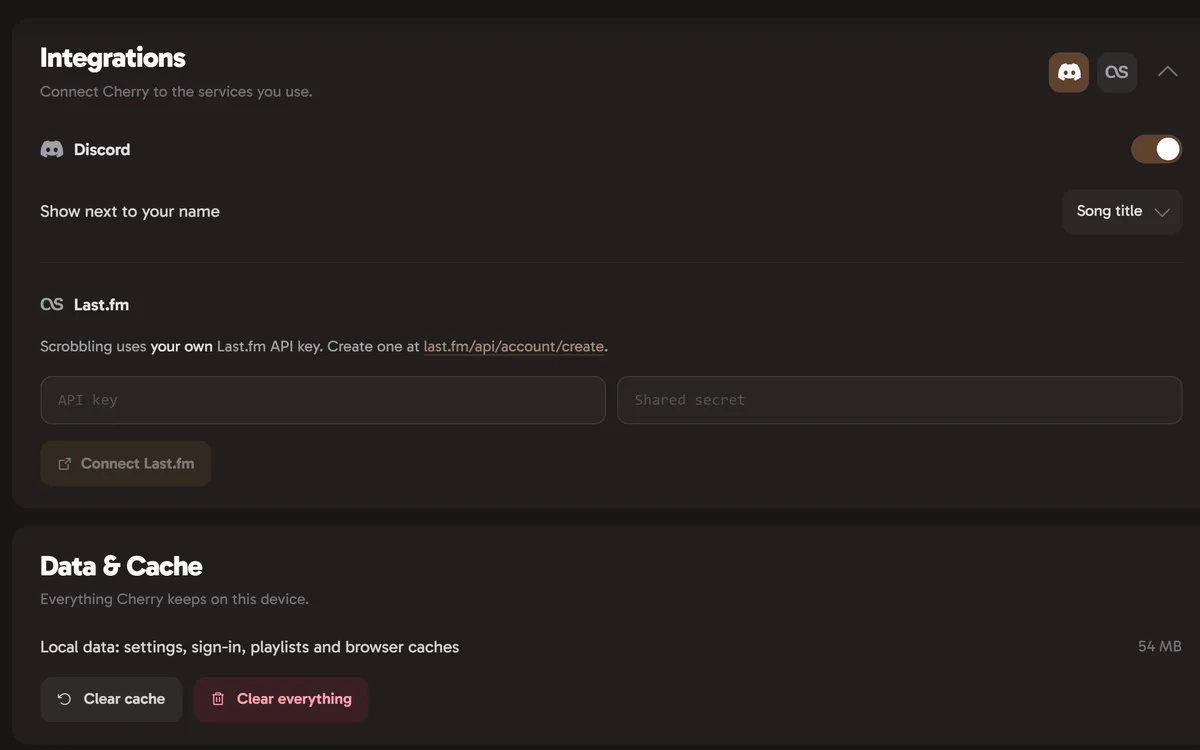
Share what’s playing on Discord and scrobble your listening to Last.fm.
Something missing? Ask on GitHub.